Introduction to Digital Forensics

Digital Forensic Science

The use of scientifically derived and proven methods toward the preservation, collection, validation, identification, analysis, interpretation, documentation and presentation of digital evidence derived from digital sources for the purpose of facilitating or furthering the reconstruction of events found to be criminal, or helping to anticipate unauthorized actions shown to be disruptive to planned operations.

Communities

There at least 3 distinct communities within Digital Forensics:
  • Law Enforcement
  • Military
  • Business & Industry
  • Possibly a 4th – Academia

Source

Rogers, M. (2010). Cyber Forensics: The Fascinating World of Digital Evidence. Purdue University. https://www.cs.purdue.edu/homes/ninghui/courses/426_Fall10/handouts/CS426_forensics.pdf

Cyber Forensics

The scientific examination and analysis of digital evidence in such a way that the information can be used as evidence in a court of law.

Scope

Activities

  • the secure collection of computer data
  • the identification of suspect data
  • the examination of suspect data to determine details such as origin and content
  • the presentation of computer-based information to courts of law
  • the application of a country's laws to computer practice

The Three A's

The basic methodology consists of:
  • Acquire the evidence without altering or damaging the original
  • Authenticate the image
  • Analyze the data without modifying it

Digital Crime Scene

  • Digital Evidence
    • Digital data that establish that a crime has been committed, can provide a link between a crime and its victim, or can provide a link between a crime and the perpetrator (Carrier & Spafford, 2003)
  • Digital Crime Scene
    • The electronic environment where digital evidence can potentially exist (Rogers, 2005)
    • Primary & secondary digital scene(s) as well

Locard’s Principle

"When a person commits a crime something is always left at the scene of the crime that was not present when the person arrived."

Forensic Principles

  • Digital/ Electronic evidence is extremely volatile!
  • Once the evidence is contaminated it cannot be de-contaminated!
  • The courts acceptance is based on the best evidence principle
  • With computer data, printouts or other output readable by sight, and bit stream copies adhere to this principle.
  • Chain of Custody is crucial

Cyber Forensic Principles

  1. When dealing with digital evidence, all of the general forensic and procedural principles must be applied.
  2. Upon seizing digital evidence actions taken should not change that evidence.
  3. When it is necessary for a person to access original digital evidence, that person should be trained for the purpose.
  4. All activity relating to the seizure, access, storage or transfer of digital evidence must be fully documented, preserved and available for review.
  5. An Individual is responsible for all actions taken with respect to digital evidence whilst the digital evidence is in their possession.
  6. Any agency, which is responsible for seizing, accessing, storing or transferring digital evidence is responsible for compliance with these principles.

Phases of Digital Forensics

  1. Identification
  2. The first step is identifying evidence and potential containers of evidence.
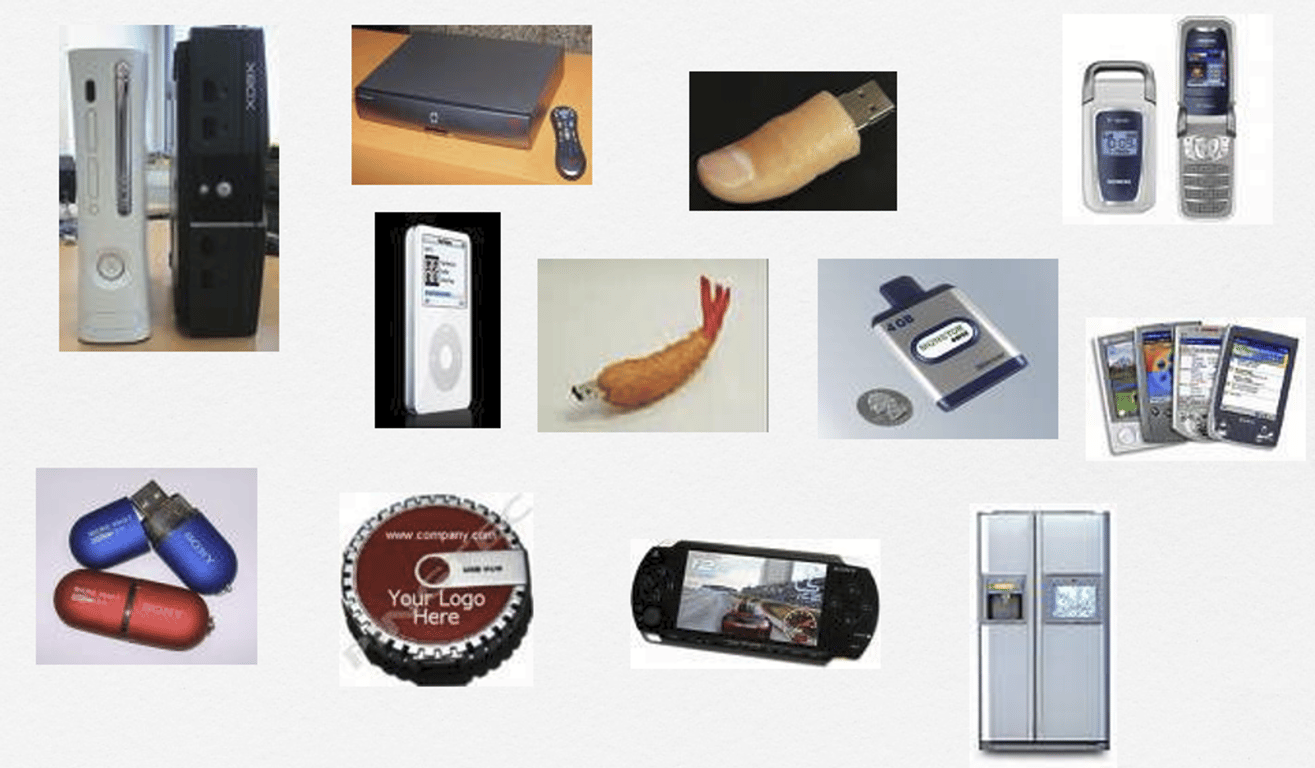
    • Small scale devices
    • Non-traditional storage media
    • Multiple possible crime scenes
    Context of the investigation is very important.
    • Do not operate in a vacuum!
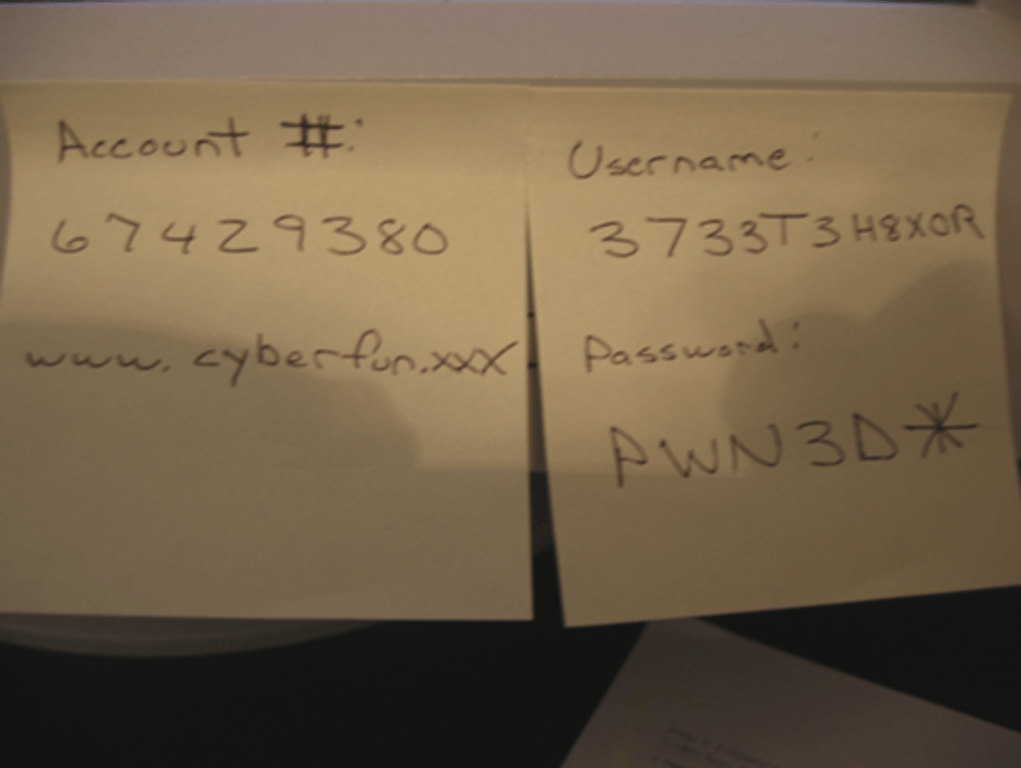
    • Do not overlook non-electronic sources of evidence
      • Manuals, papers, printouts, etc.
    notion image
  3. Collection
    • Bag & Tag
    Care must be taken to minimize contamination
    notion image
    notion image
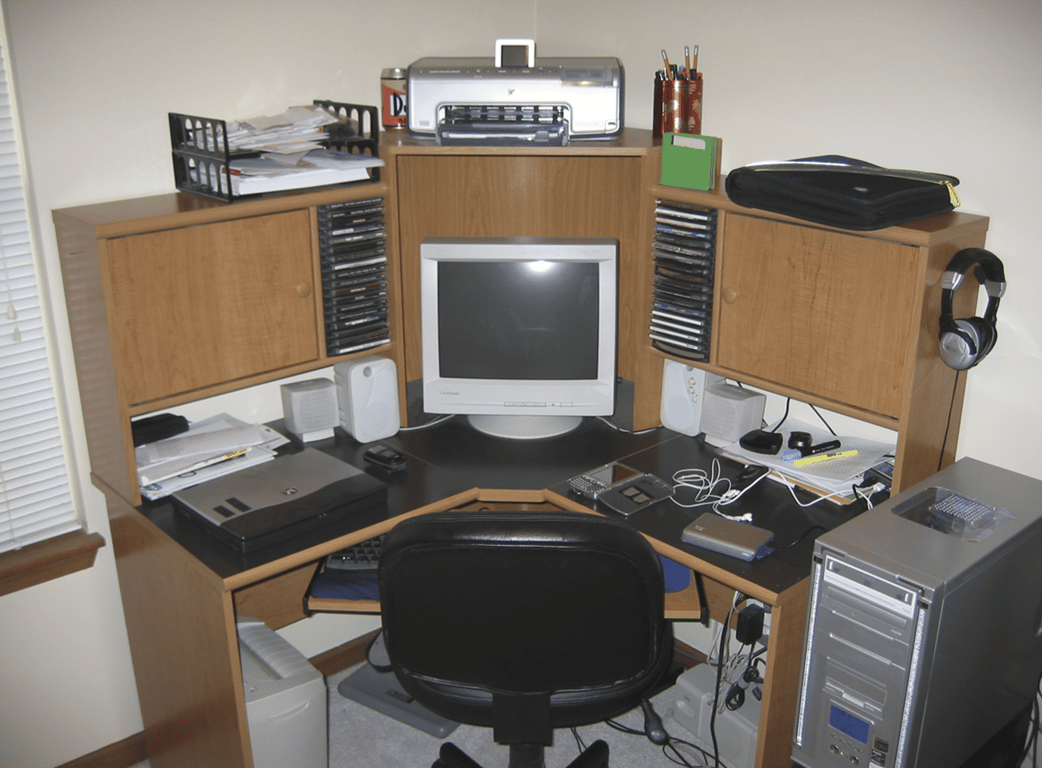
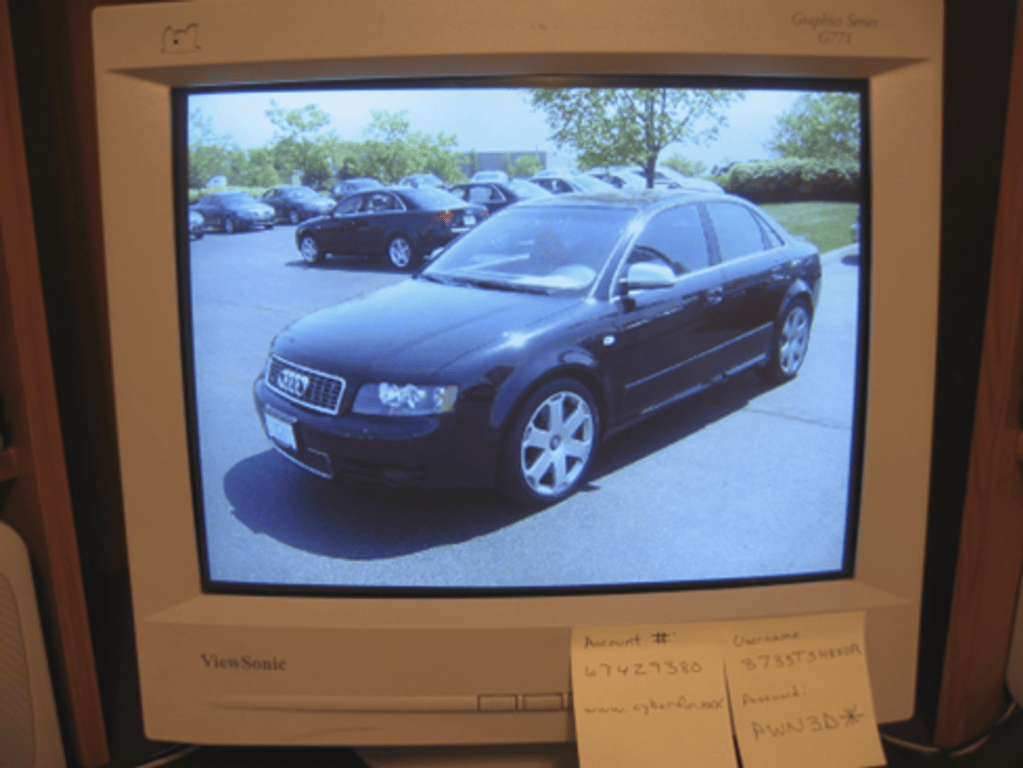
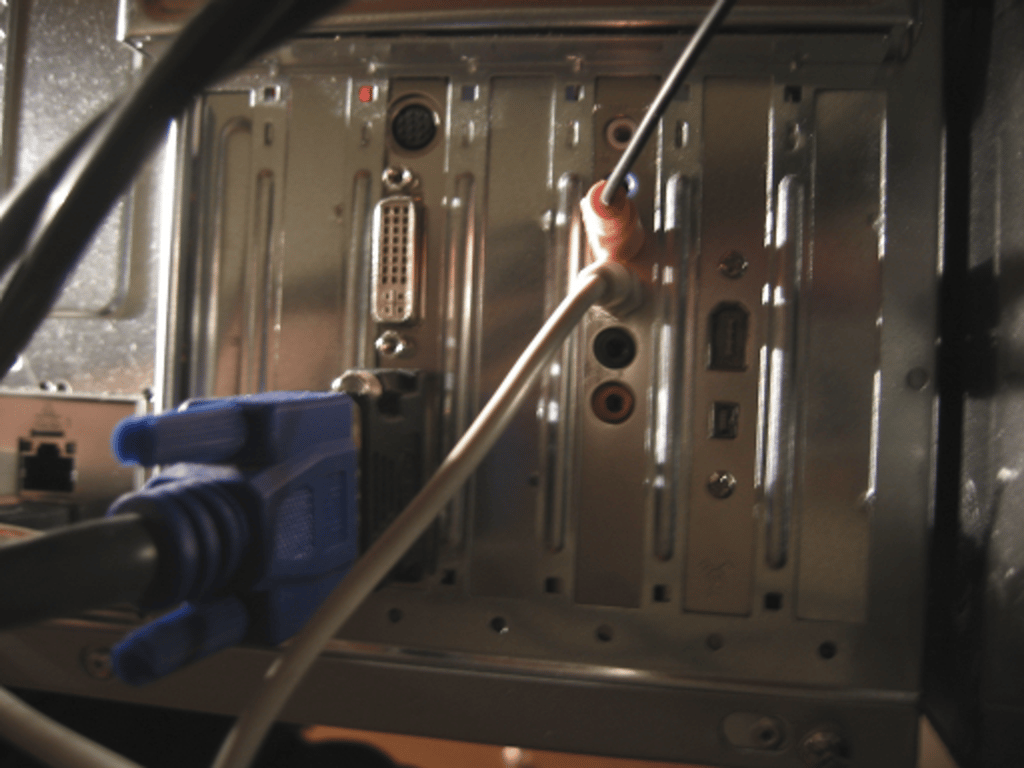
    Take detailed photos and notes of the computer's monitor and connections
    • If the computer is "on", take photos of what is displayed on the monitor – DO NOT ALTER THE SCENE!
    • notion image
      notion image
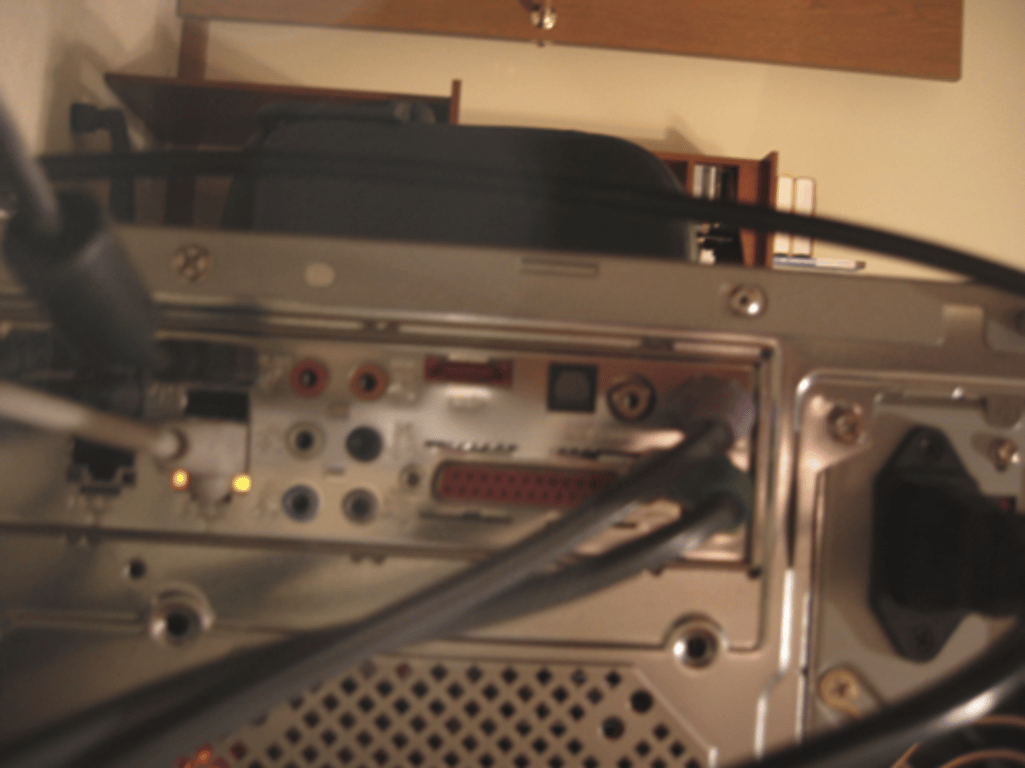
    • Make sure to take photos and notes of all connections to the computer/other devices
    notion image
    notion image
  4. Preservation
  5. Rule of Thumb
    • Make two (2) copies and don’t work from the original (if possible)
    • A file copy does not recover all data areas of the device for examination
    • Working from a duplicate image
      • Preserves the original evidence
      • Prevents inadvertent alteration of original evidence during examination
      • Allows recreation of the duplicate image if necessary
    • Digital evidence can be duplicated with no degradation from copy to copy
      • This is not the case with most other forms of evidence
    Use Write blockers
    • Software
    • Hardware - forensic disk controller
    • Hardware write blockers are becoming the industry standard
      • USB, SATA, IDE, SCSI, SIM, Memory Cards
      • Not BIOS dependent
      • But still verify prior to usage!
    Forensic Copies (Bitstream)
    • Bit for Bit copying captures all the data on the copied media including hidden and residual data (e.g., slack space, swap, residue, unused space, deleted files etc.)
    • Often the "smoking gun" is found in the residual data.
    • Imaging from a disk (drive) to a file is becoming the norm
      • Multiple cases stored on same media
      • No risk of data leakage from underlying media
    • Remember: avoid working from original
    • Use a write blocker even when examining a copy!
    Imaging Authenticity & Integrity
    How do we demonstrate that the image is a true unaltered copy of the original?
    • Hashing (MD5, SHA)
      • A mathematical algorithm that produces a unique value (128 Bit, 512 Bit)
      • Can be performed on various types of data (files, partitions, physical drive)
    • The value can be used to demonstrate the integrity of your data
      • Changes made to data will result in a different value
    • The same process can be used to demonstrate the image has not changed from time-1 to time-n
  6. Examination
  7. Examination is a higher-level look at the file system representation of the data on the media
    • Verify integrity of image
      • MD5, SHA1 etc.
    • Recover deleted files & folders
    • Determine keyword list
      • What are you searching for?
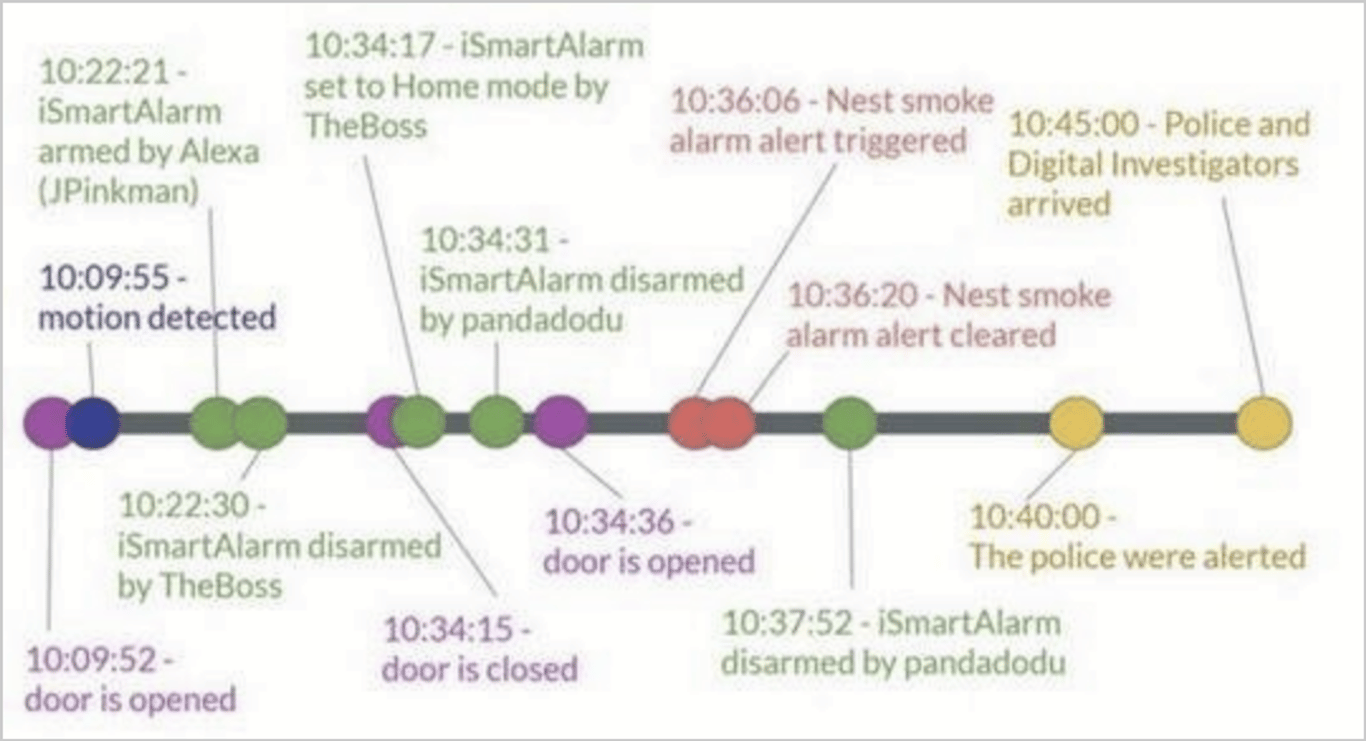
    • Determine timelines
      • What is the time zone setting of the suspect system?
      • What time frame is of importance?
      • Graphical representation is very useful
    • Examine directory tree
    • Perform keyword searches
      • Indexed
      • Slack & unallocated space
    • Search for relevant evidence types
      • Hash sets can be useful
      • Graphics
      • Spreadsheets
      • Hacking tools
    • Look for the obvious first
    • When is enough, enough?
    • notion image
  8. Analysis
  9. Presentation/Report